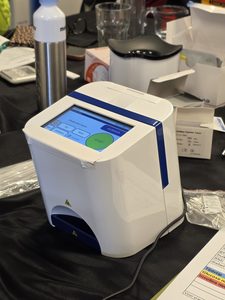


How to perform a glucose test
Watch the step-by-step instructions for using the Swiss Point of Care Glucose Meter and learn how to perform the test correctly.
Important points before you start
Meter setup
Make sure the meter is set up correctly before your first measurement.
How to set up the meter →Performing the test
Follow the correct procedure for blood collection and glucose testing.
How to perform a test →Understanding your results
Learn how to read and understand the values shown by the glucose meter.
How to read your results →User manual
Download the full manual for detailed instructions and technical information.
View user manual →Frequently Asked Questions
Find answers to common questions about error codes, measurement results and using the Swiss Point of Care Glucose Meter.
Different Values – Understanding your results
It is normal to see differences between your self-test results and those from a laboratory, or even between two self-tests.
Why can results vary?
- Sample type: The meter uses capillary blood from a fingerstick, while laboratories often test venous blood.
- Technology: The meter uses electrochemical analysis, whereas laboratories may use different testing methods.
- Timing: Glucose levels change throughout the day and can be influenced by food, exercise and fasting.
Important to know
- Glucose values may be higher or lower depending on the time since your last meal.
- Always test under consistent conditions to better track changes in your glucose values over time.
Control Solution Test – Checking meter accuracy
The glucose meter can be checked with a control solution test. This helps verify whether the meter and test strips are working properly.
When to perform a control test
- If the test strips have been stored incorrectly or exposed to humidity.
- If the meter has been dropped or damaged.
- Whenever you suspect that the meter or test strips may not be working properly.
How to perform a control test
- Shake the control solution bottle.
- Place a drop of control solution on a clean surface.
- Insert a test strip into the meter.
- Touch the tip of the test strip to the control solution.
- Wait for the result to appear.
- Compare the result with the control range printed on the test strip container.
If the result is outside the control range, repeat the test with a new test strip. If the result remains outside the range, contact us for support.
HI / LO Messages
The glucose meter may display a HI or LO message when the measured glucose value is outside the meter’s measuring range.
What do the messages mean?
- HI: The blood glucose value is higher than the meter’s measuring range.
- LO: The blood glucose value is lower than the meter’s measuring range.
What to do
- Wash and dry your hands thoroughly.
- Repeat the test using a new test strip.
- Make sure you follow the correct testing procedure.
- If the HI or LO message appears again, perform a control solution test to check whether the meter and test strips are working correctly.
Hypo / Hyper Messages
The meter can display a Hypo or Hyper message when your glucose result falls below or above the target level that has been set in the meter.
What do the messages mean?
- Hypo: The measured glucose value is below the Hypo (low blood sugar) target level that has been set.
- Hyper: The measured glucose value is above the Hyper (high blood sugar) target level that has been set.
“Ketone?” Message
The meter may display “Ketone?” when your glucose result is above 16.7 mmol/L (300 mg/dL).
What does the message mean?
The “Ketone?” message does not mean that the meter has detected ketones. It is a reminder that a ketone test is recommended because the measured glucose value is above 16.7 mmol/L (300 mg/dL).
What to do
- Consider checking your ketone level using an appropriate ketone test.
- Consult your healthcare professional about testing for ketones.
How can I change the glucose meter from mmol/L to mg/dL (or vice versa)?
The meter can display glucose results in either mmol/L or mg/dL. You can select the unit during setup or change it later in the meter settings.
How to change the unit of measurement
- Make sure the meter is switched off, or is in Memory or Average mode.
- Press and hold the ► button for 2 seconds to enter setup mode.
- Use the ◄ button to switch between mmol/L and mg/dL.
- Press the ► button to save your selection.
- The selected unit will flash four times and the display will show “No”.
- Press the ◄ button to change “No” to “YES”.
- Press the ► button to confirm and save the selected unit.
What do you need to perform a glucose test?
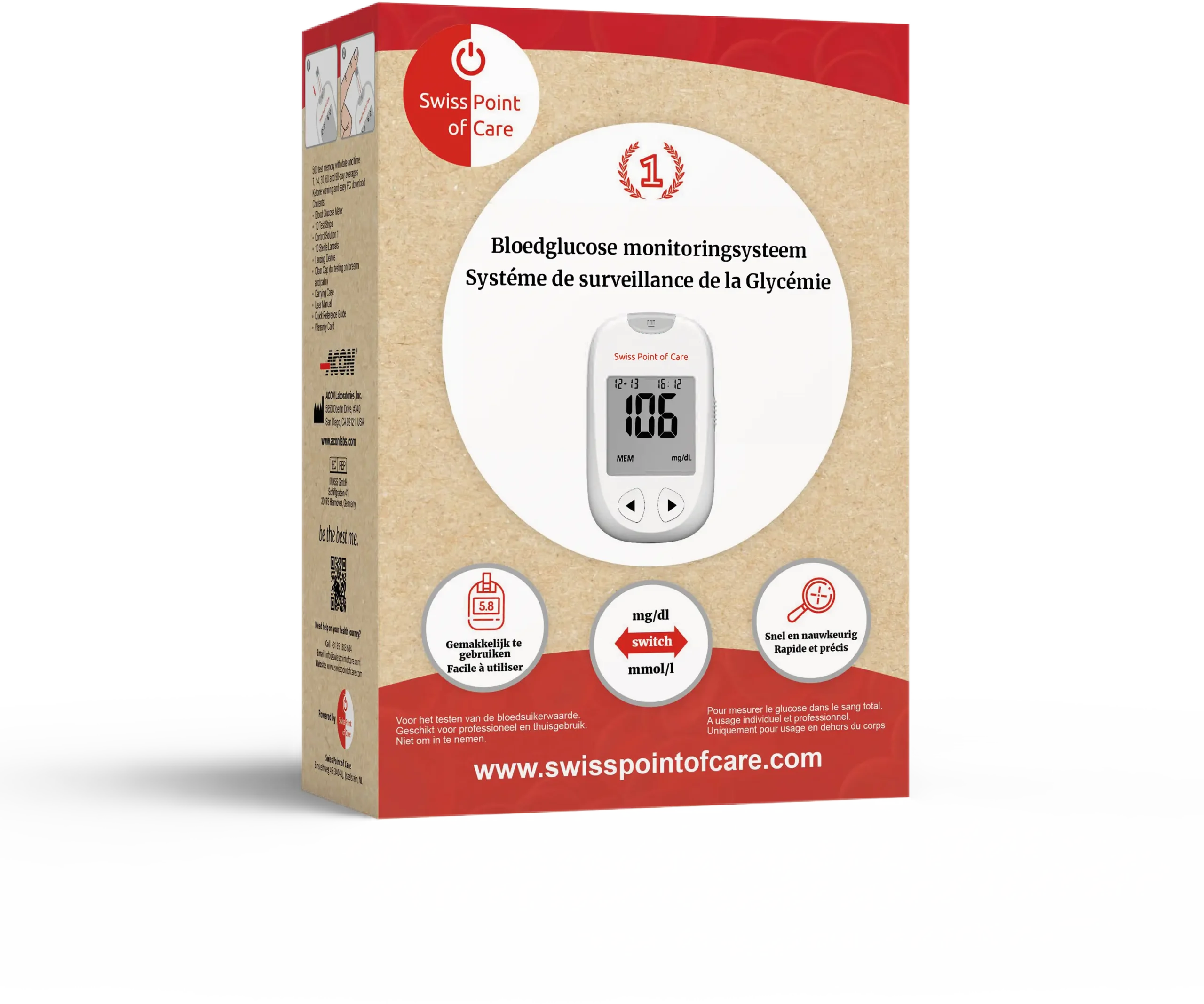
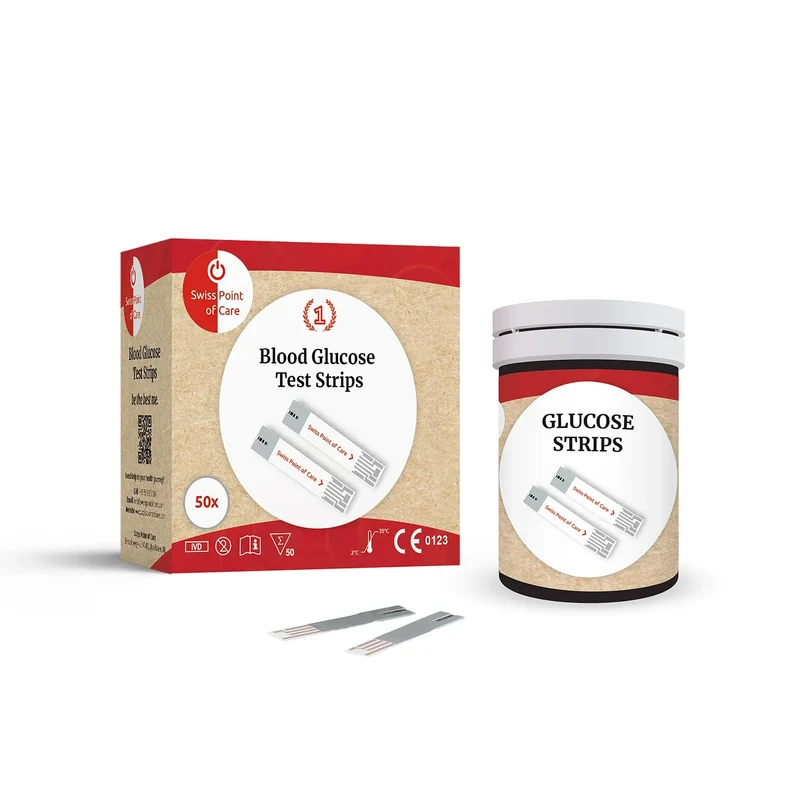
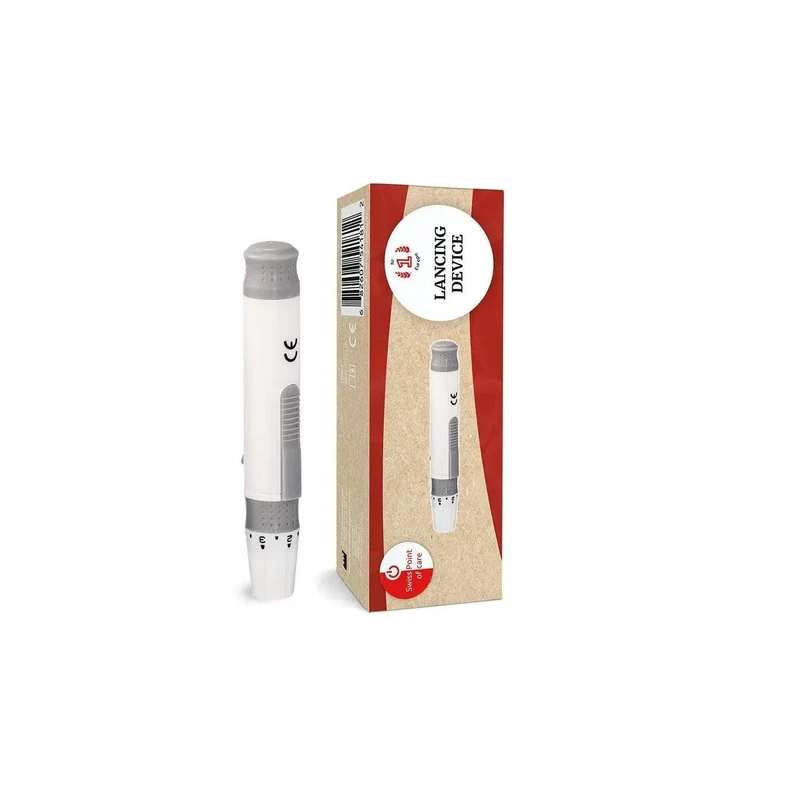
To perform a glucose test with the Swiss Point of Care Blood Glucose Monitoring System, you need the glucose meter, glucose test strips, a lancing device and sterile lancets.

Still need help?
Our support team is happy to help with questions about the Swiss Point of Care Blood Glucose Meter.